Spending limits
Set an individual spending limit for each technician and track available and used amounts.
A platform that helps property and facility-management companies control technician spending, track supplier invoices, and manage approvals without handling cash directly.
Practical controls from allocation through invoice approval.
Set an individual spending limit for each technician and track available and used amounts.
Technicians review invoice details and approve or reject with a recorded decision.
Create itemized invoices with VAT and an optional original attachment.
Help technicians find eligible suppliers near their current work area.
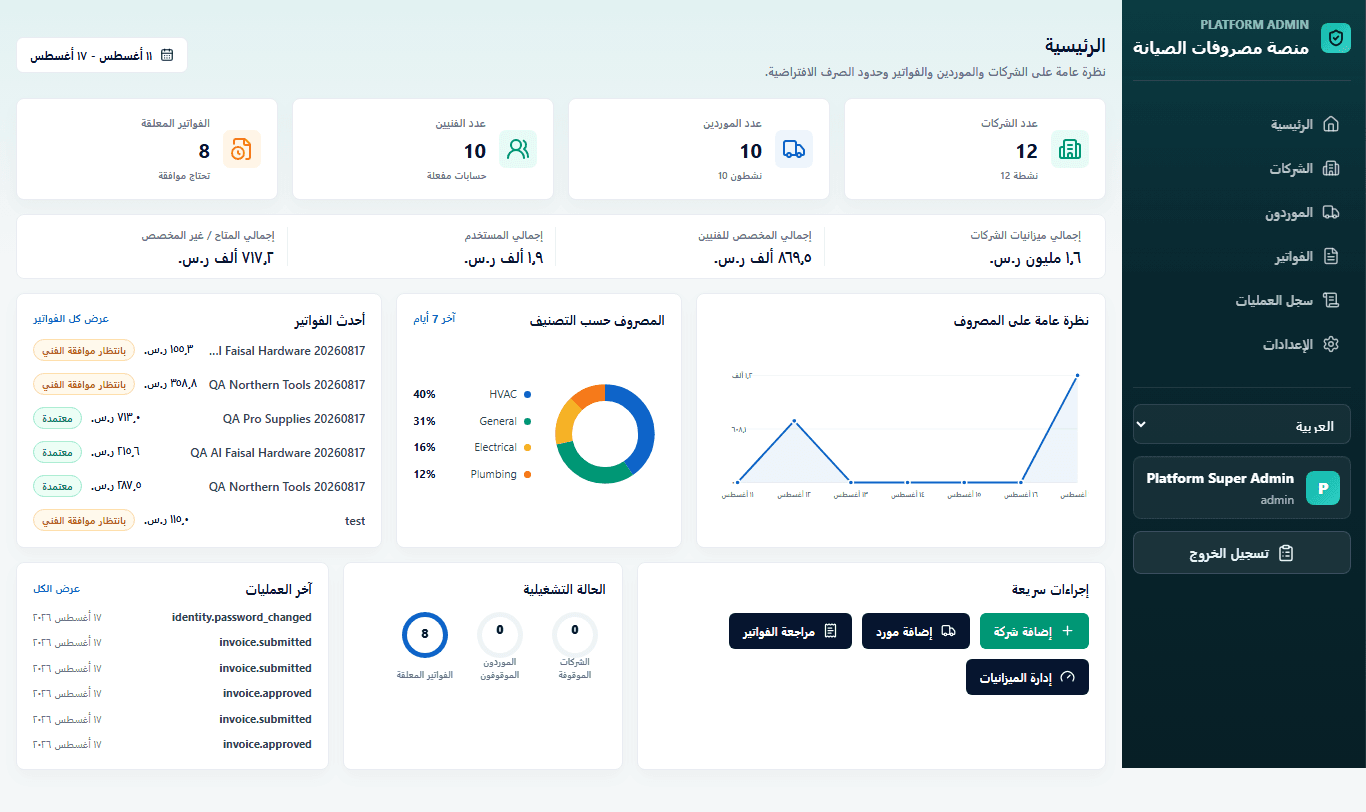
See budgets, allocations, and approved spend in one operational view.
Separate interfaces and permissions for platform, company, technician, and supplier users.
Four connected steps keep every invoice clear and traceable.
The company assigns an appropriate spending limit to each technician.
The supplier creates the invoice with its items and documents.
The technician reviews the details before spend is recorded.
Approvals and budgets appear in a unified dashboard.
The right information for each user without unnecessary complexity.
Manage budgets and technicians and monitor invoices.
Track available spend and approve or reject invoices.
Create invoices and follow their status and decisions.
Interfaces designed for everyday work on desktop and mobile.
A live view of budgets, invoices, and approval status.
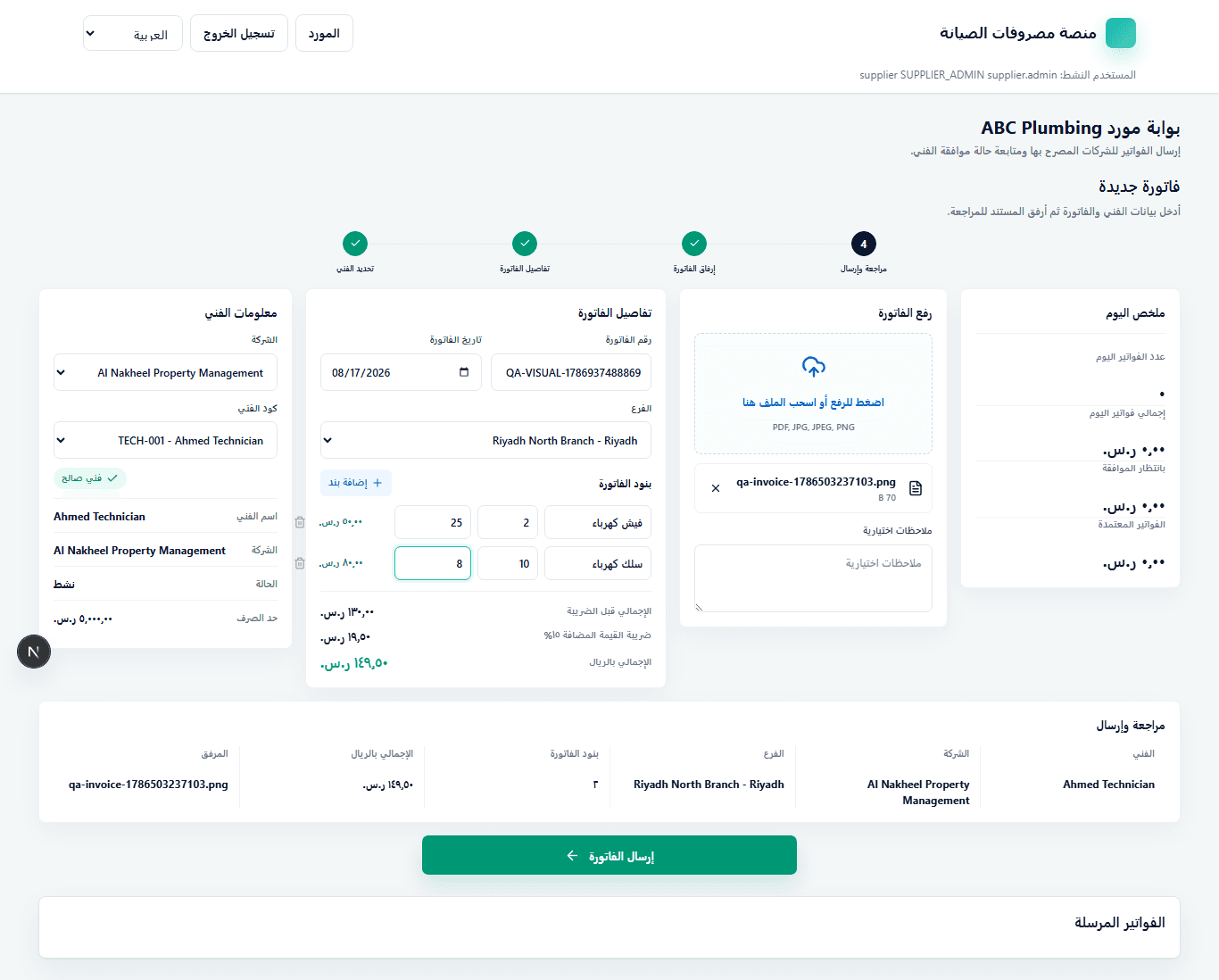
A clear workflow for items, VAT, and invoice submission.
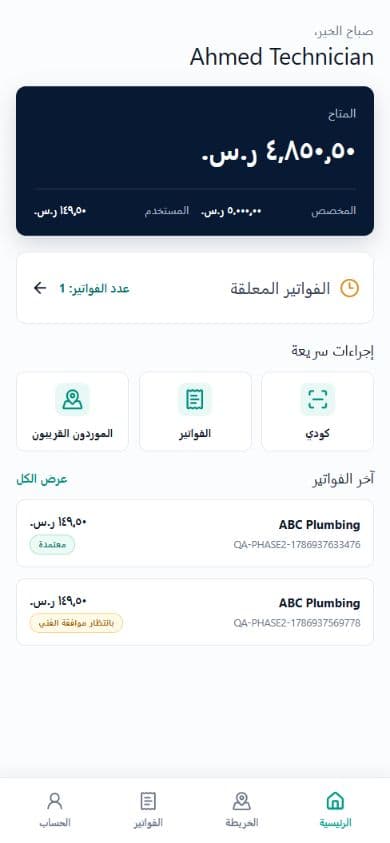
A fast mobile interface for balances and invoice review.
An integrated operational view for control, transparency, and traceable decisions.